Starter Templates
We created a few starter templates to help you get started with Wasp. Check out the list below.
Using a Template
Run wasp new to run the interactive mode for creating a new Wasp project.
It will ask you for the project name, and then for the template to use:
$ wasp new
Enter the project name (e.g. my-project) ▸ MyFirstProject
Choose a starter template
[1] basic (default)
    A basic starter template designed to help you get up and running quickly.
    It features examples covering the most common use cases.
[2] minimal
    A minimal starter template that features just a single page.
[3] saas
    Everything a SaaS needs! Comes with Auth, ChatGPT API, Tailwind, Stripe payments and more.
    Check out https://opensaas.sh/ for more details.
 ▸ 1

🐝 --- Creating your project from the "basic" template... -------------------------

Created a new Wasp app in `./MyFirstProject`.

To run your new app, do:
    cd MyFirstProject
    wasp db migrate-dev
    wasp start
Available Templates
When you have a good idea for a new product, you don't want to waste your time on setting up common things like authentication, database, etc. That's why we created a few starter templates to help you get started with Wasp.
OpenSaaS.sh template
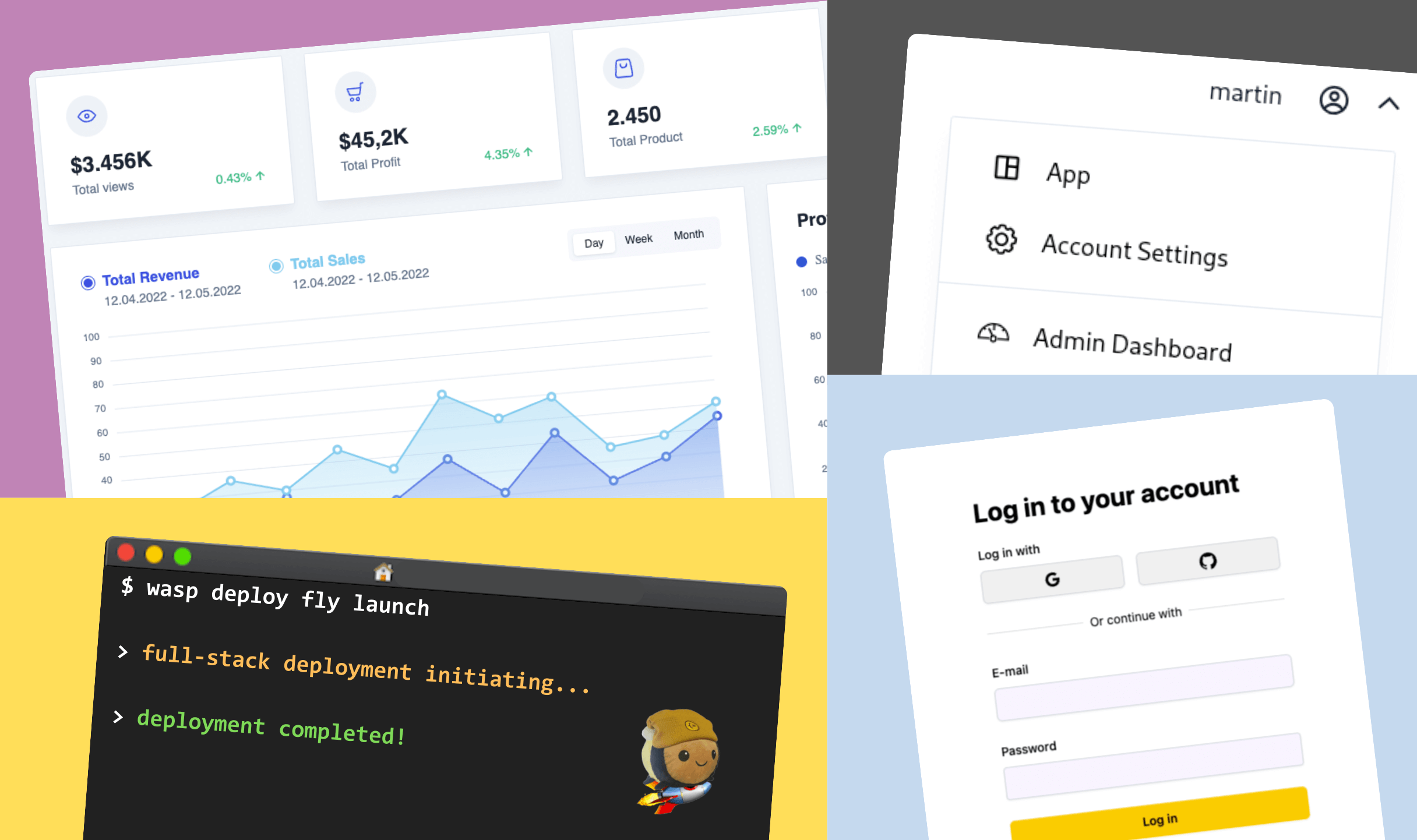
Everything a SaaS needs! Comes with Auth, ChatGPT API, Tailwind, Stripe payments and more. Check out https://opensaas.sh/ for more details.
Features: Stripe Payments, OpenAI GPT API, Google Auth, SendGrid, Tailwind, & Cron Jobs
Use this template:
wasp new <project-name> -t saas
Minimal Template
A minimal starter template that features just a single page. Perfect for starting from scratch with the bare essentials.
Use this template:
wasp new <project-name> -t minimal